
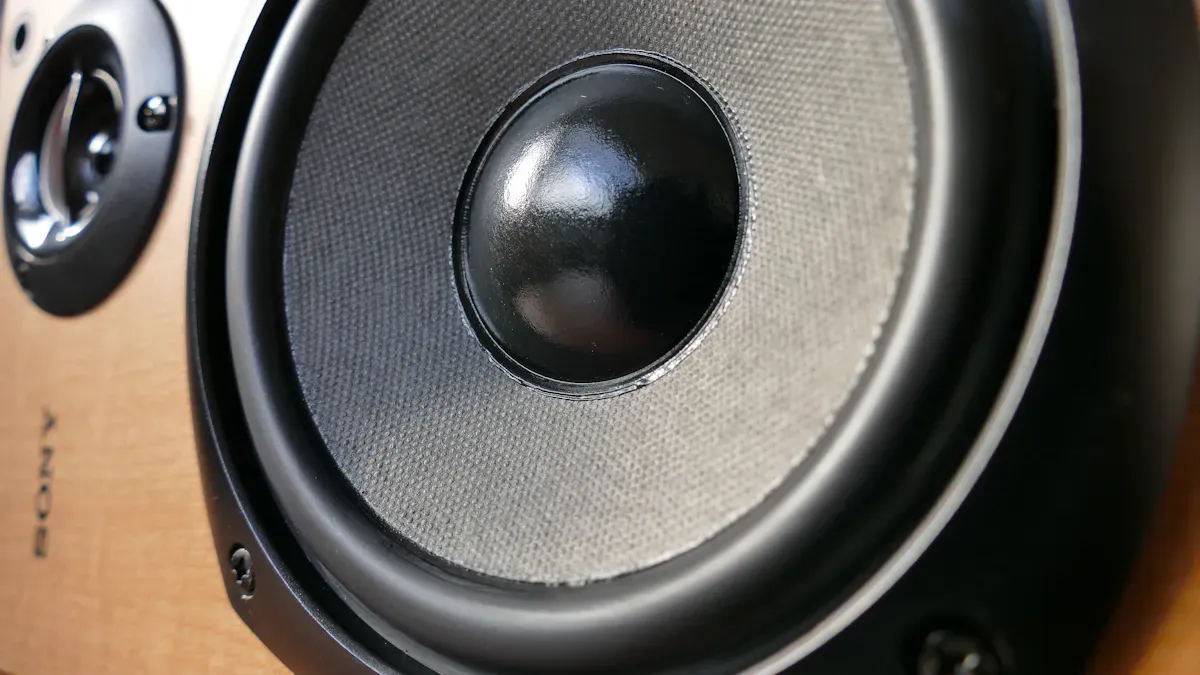
To reduce harmonic distortion in speakers, you should take several key steps:
Position the speakers in the optimal spot for clear, accurate sound.
Use high-quality components to ensure better performance.
Regularly inspect and maintain the speakers to keep distortion low.
Utilizing specialized testing tools like Klippel Analyzers helps engineers accurately identify and reduce harmonic distortion. Additionally, end-of-line testing systems such as SoundCheck verify that each speaker meets quality standards, including total harmonic distortion (THD) levels. This process is crucial for maintaining high quality and preventing issues like rub and buzz, which can negatively impact speaker performance.
Research shows that employing improved designs can reduce harmonic distortion by up to 80%, significantly enhancing sound quality. Monitoring distortion levels allows you to understand its causes and address them promptly.
Key Takeaways
Put your speakers in the right spot to stop sound from bouncing and to make music clearer.
Use good parts like strong cables, good amplifiers, and strong speaker materials to help stop distortion.
Check for distortion often with the right tools to keep your music clear and safe.
Do not play music too loud so you do not break your speakers or make more distortion.
Fix up your room and try digital tools to help your speakers sound better.
Harmonic distortion explained
What is harmonic distortion
Harmonic distortion happens when a speaker changes the sound. You play a pure tone, but the speaker adds extra tones. These extra tones are called harmonics. Harmonics are not in the original music. This happens because speaker parts act in a nonlinear way. When you measure total harmonic distortion (THD), you compare the power of harmonics to the main sound. Lower THD means your speakers play sound more correctly.
Why it matters for speakers
You want your speakers to sound clear and real. Harmonic distortion can make music or voices sound rough or unclear. Studies show your brain likes natural harmonics from real instruments or voices. Speakers with low-order harmonic distortion and smooth sound decay feel more real and fun. If your system adds too many high-order harmonics, the sound can be bad, even if distortion is low. Reducing harmonic distortion helps you hear music as the artist wanted. For regular listeners, this means music sounds better. Audiophiles and professionals get more accurate sound.
Tip: Always check THD ratings when picking speakers for high-quality systems.
Common misconceptions
Many people think all distortion is bad or that lower numbers always mean better sound. This is not always true. Some distortion, like low-order harmonics, can make music warmer or smoother. High-order harmonics, even in small amounts, can make sound rough. You should not judge a speaker by THD alone. The type of distortion and how your ears hear it matter too. To reduce harmonic distortion, look at both the numbers and how the music sounds.
Causes of harmonic distortion in speakers
Speaker design and materials
A lot of harmonic distortion comes from how the speaker is made. The materials used in the speaker matter too. The driver should move just like the input signal. If it does not, distortion happens. This can be because of weak or bendy materials. Sometimes, the magnetic field is not even. A bad diaphragm design can also cause problems. For example, a soft cone might bend at loud volumes. This makes extra harmonics. If you use the speaker too hard, it can also distort. Different types of speakers have different distortion levels:
Driver Type | Distortion |
|---|---|
Electrostatic | Very Low |
Planar Magnetic | Very Low |
Ribbon | Very Low |
Horn | Moderate to Low |
Dynamic (Cone) | Moderate |
To get less distortion, pick strong materials and better driver designs.
Amplifier and signal chain
You need to watch the amplifier and the whole signal path. If you push the amplifier too much, it clips. Clipping adds strong harmonics to the sound. This is a big reason for distortion. Bad or broken parts can also add unwanted harmonics. Audio tools like equalizers and compressors can cause distortion too. This happens if you set them too high or use cheap gear. Here are the main causes in the signal path:
Bad or broken speakers
Amplifiers pushed too hard (clipping)
Audio tools set wrong or low quality
You can lower distortion by using good, matching parts and not overloading your system.
Room acoustics and placement
The room and where you put the speakers matter a lot. Sound bounces off walls, floors, and ceilings. This makes standing waves that change some sounds. You might hear more or less distortion based on where you sit. A speaker near a wall can sound too loud in some tones. A speaker in the middle of the room can sound clearer. Always test your speakers in your room. Move them around to get the best sound.
Tip: Try moving your speakers and listen for clearer sound. Even small moves can help lower distortion.
Measuring harmonic distortion
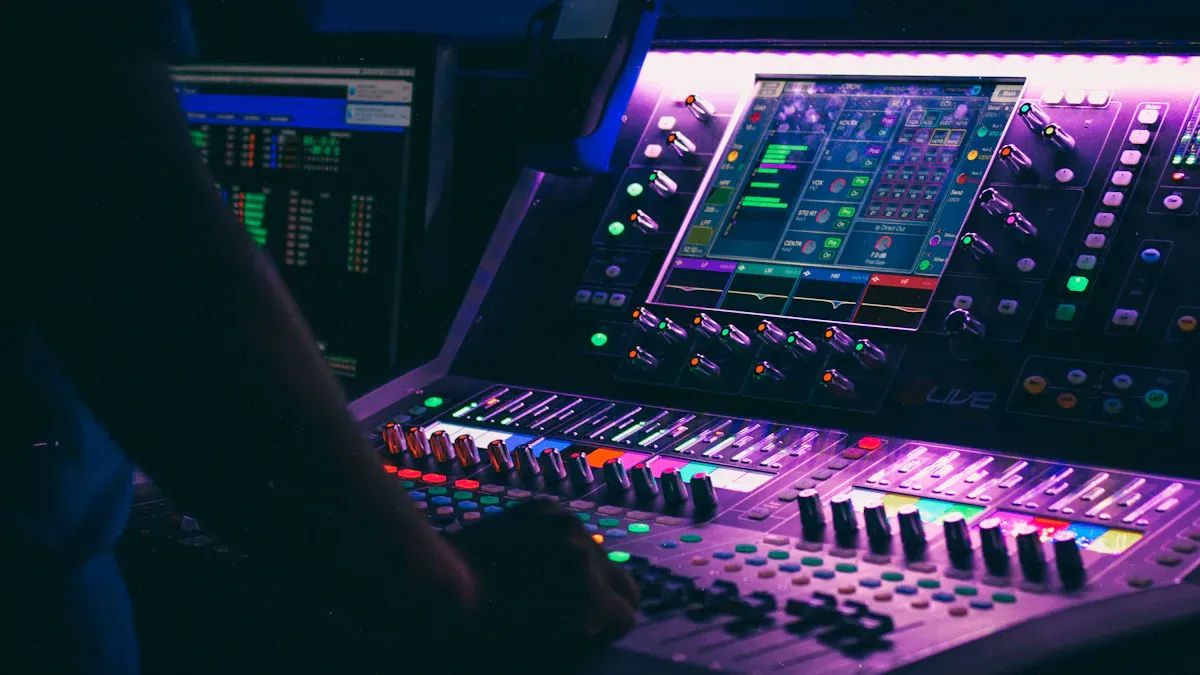
Tools and equipment
You need the right tools to measure harmonic distortion in speakers. Many professionals use analyzers with 100% analog circuitry. These devices detect distortion levels above 1.0%. They work in a wide range, from 1.2Vrms up to 125Vrms, which covers most speaker systems. You can see the main features in the table below:
Feature | Details |
|---|---|
Circuitry | 100% analog |
Distortion Detection Trigger Level | > 1.0% Harmonic Distortion |
Operating Range | 1.2Vrms – 125Vrms (15,000 Watts at 1 ohm) |
Signal Present LED Trigger Voltage | 750mVrms |
Low Battery LED Trigger Voltage | < 5.6Vdc |
Auto-shut off Timer | 8 – 10 minutes after ON button is pressed |
You also need a computer, a USB sound card, and FFT-based software like AudioTester. A Twin-T notch filter helps remove the main test tone.
Step-by-step process
You can measure total harmonic distortion (THD) at home by following these steps:
Play a high-quality 1 kHz sine wave through your speaker.
Connect the speaker output to a sound card interface. This protects your equipment and controls the signal level.
Pass the signal through a Twin-T notch filter. This filter removes the main 1 kHz tone.
Feed the leftover signal (which contains noise and distortion) back into the sound card.
Use your computer and USB sound card to digitize the signal.
Open FFT-based software to analyze the signal. The software will show you the THD and THD plus noise (THD+N) values.
Tip: Always use a clean test signal and check your connections before starting.
Understanding THD levels
You want to know what THD numbers mean. Here are some key points:
A THD below 0.1% is good for music listening.
Audiophiles often look for THD between 0.01% and 0.1%.
Lower THD means cleaner sound and better audio quality.
Many people make mistakes when reading THD results. Some confuse dB and percentage. Others do not notice the difference between harmonic and non-harmonic distortion. Music can also hide some distortion, so always test with simple tones. If you keep these points in mind, you will get more accurate results.
Practical ways to reduce harmonic distortion
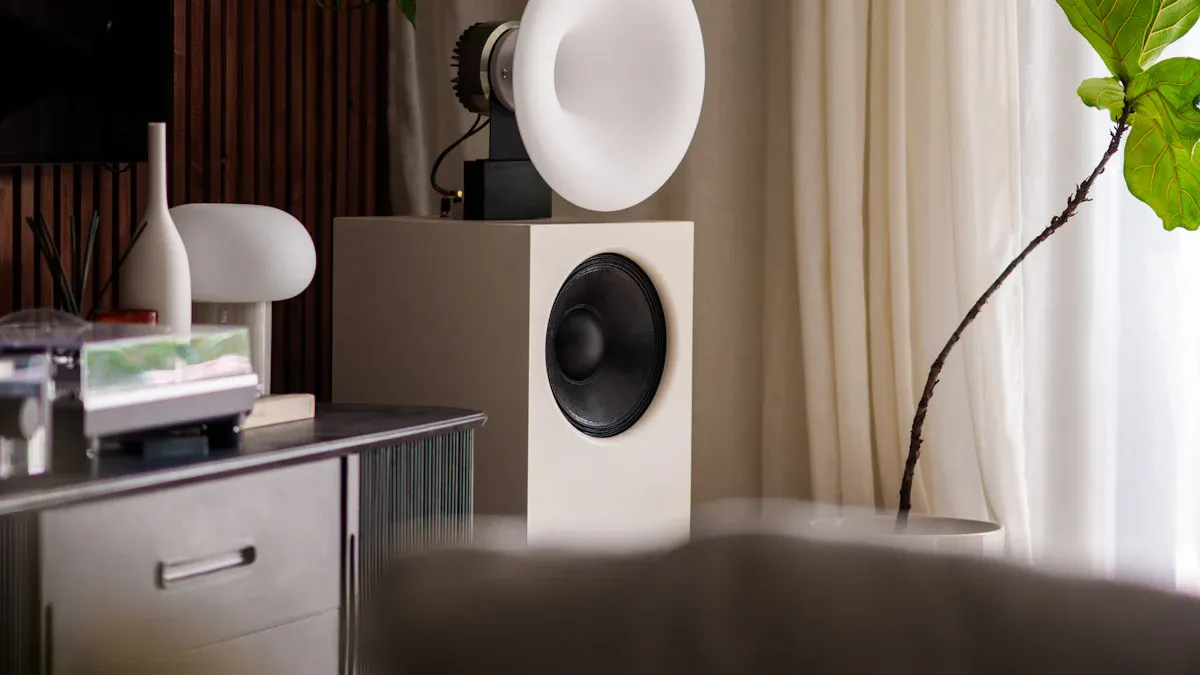
Optimize speaker placement
You can reduce harmonic distortion by placing your speakers in the right spot. Room reflections and poor placement often add unwanted harmonics. Follow these steps to get the best sound:
Place your listening position about 38% of the room’s length from the front wall. This helps you get a flatter bass response and fewer reflections.
Set your speakers at least 4 meters away from the front wall. If your room is small, keep them less than 1 meter from the wall. This avoids extra distortion from reflections.
Do not put speakers between 1 meter and 4 meters from the wall. This range can cause more distortion.
Move your speakers and listen for changes. Small adjustments can make a big difference.
Tip: Use tape to mark the best spot once you find it.
Use high-quality components
The parts you use in your audio system matter. Low-quality cables, connectors, and amplifiers can add distortion. Here is how you can improve your setup:
Choose cables with good shielding to block outside noise.
Use connectors that fit tightly and do not corrode.
Pick amplifiers with low total harmonic distortion ratings.
Match your amplifier and speakers in power and impedance. This prevents overload and keeps distortion low.
High-quality components help your speakers play sound more clearly. You will hear more detail and less noise.
Acoustic low-pass filtering
Acoustic low-pass filters help block high-frequency noise that causes distortion. You can use these filters in your speaker design or add them to your system. Here is how you can use them:
Install a low-pass filter in the crossover network of your speaker. This sends only the right frequencies to each driver.
Use foam or fabric panels around the speaker to absorb unwanted high frequencies.
Test your system with and without the filter. Listen for smoother and more natural sound.
Low-pass filtering helps reduce harmonic distortion, especially in the upper frequency range.
Maintain and care for equipment
Regular maintenance keeps your speakers working well and helps reduce harmonic distortion over time. Follow these steps:
Check all connections and cables for damage or loose ends.
Clean dust and dirt from speaker cones and grills.
Make sure your amplifier and speakers match in power and impedance.
Use high-quality materials and construction to prevent mechanical distortion.
Keep your equipment cool. Good airflow prevents thermal distortion during high power use.
Inspect your system often. Fix problems early to avoid bigger issues.
Note: Regular checks help you catch problems before they affect your sound.
Avoid overdriving speakers
Playing music too loud can push your speakers past their limits. This causes the drivers to move in a nonlinear way, which adds distortion. Here is how you can avoid this:
Set your amplifier volume to a safe level. Do not turn it up all the way.
Watch for signs of strain, like buzzing or rattling sounds.
Use an amplifier that matches your speaker’s power rating.
If you need more volume, consider adding more speakers instead of pushing one too hard.
Keeping your speakers within their safe range helps reduce harmonic distortion and extends their life.
Remember: Clear sound comes from careful setup and regular care.
Advanced reduction strategies
Room treatment
You can make your speakers sound better by treating your room. Studies show that rooms without treatment have long decay times. This means sounds last too long and mix together. It makes music less clear. Treating your room helps sounds fade faster and become clearer. It also keeps the sound steady over time and at different pitches. This gives you cleaner harmonics.
To lower harmonic distortion, try these ideas:
Use membrane pressure-based absorbers for low bass problems.
Put fiber-based absorbers to stop flutter echoes and fix mid or high sounds.
Add phase-coherent redirection panels to balance sound reflections between the room crossover and 4 kHz.
These steps help your speakers work their best in your room.
Digital signal processing (DSP)
Digital signal processing lets you control your audio system very well. DSP fixes phase problems and makes the sound more even. This gives you cleaner and more correct sound. You can also set up your system for your room and speakers. Many new systems use DSP to lower harmonic distortion and make sound better. ZEH Audio uses advanced DSP in their custom designs to help you get great results.
Rigid driver materials
The materials in your speaker drivers are important. Strong materials, like those in horns or electrostatic speakers, move more correctly. This means fewer unwanted harmonics. You should pick speakers with tough, steady diaphragms. ZEH Audio uses special materials in their products for low distortion and good sound.
Professional calibration
Professional calibration helps you get the best from your system. Experts use special tools to measure and adjust your setup. They check frequency response and tonal accuracy. Calibration does not directly measure or fix harmonic distortion. But it makes sure your system works safely. This lowers the chance of distortion from overload. For the best sound, think about getting professional calibration, like what ZEH Audio offers, especially for your business or project.
You can make harmonic distortion lower by using good parts in your system. Put your speakers in the best spot and take care of your equipment. Checking distortion often helps you keep it safe. This protects your speakers and makes the sound clear:
Harmonic distortion changes how true and clear the sound is.
Checking distortion often keeps it low and saves sound details.
Distortion can show if your speakers are getting hurt.
When you control distortion, you will hear music that is clearer right away. For even better sound, try advanced ideas or get help from ZEH Audio.
FAQ
What is an acceptable level of harmonic distortion for professional speakers?
Most experts say THD under 1% is okay. For studios or careful listening, aim for less than 0.1%. Lower THD gives you cleaner and more accurate sound.
How often should you measure harmonic distortion in your system?
Check distortion after big changes, like moving speakers or getting new gear. Test every six months to keep sound quality high and find problems early.
Can room acoustics affect harmonic distortion?
Yes. Hard walls and bad speaker spots can make distortion seem worse. You can use acoustic panels and put speakers in the right place to cut down echoes and make sound clearer.
Do high-quality cables reduce harmonic distortion?
Good cables do not directly lower harmonic distortion. They stop signal loss and block outside noise. Use well-shielded cables to keep your signal strong in pro systems.
Should you use DSP to control harmonic distortion?
You can use DSP to fix frequency and phase problems. DSP helps set up your system and can lower distortion effects, especially in tricky setups.