
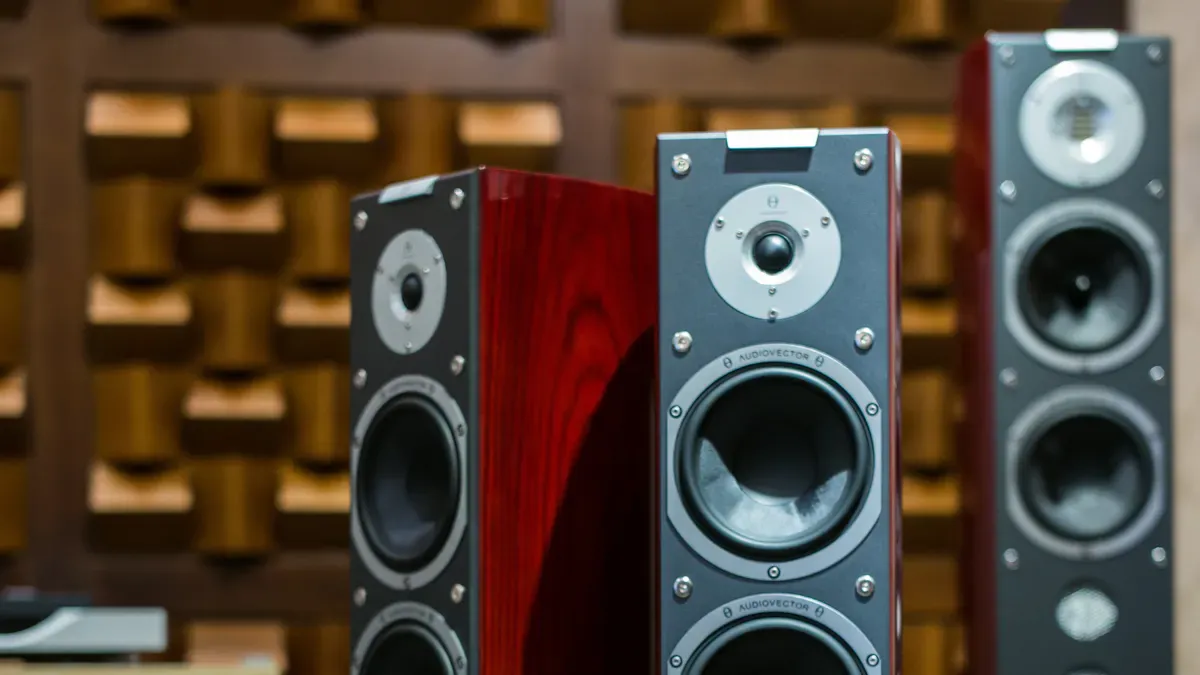
You want your sound to be great, but speaker customization can cause problems you did not expect. Speaker customization is important because it changes how your music, movies, or games sound in your room. You might hear problems like unclear audio or weak bass, and speaker customization can help you fix these. If you have trouble with speaker customization, you can learn easy ways to make your setup better. Speaker customization lets you control your sound, so you can enjoy clear and rich sound every day.
Key Takeaways
-
It is important to put speakers in the right place. Put speakers at ear level. Do not put them close to walls. This helps stop sound from being unclear.
-
Pick the right parts for your system. Make sure your amplifier works well with your speakers. This makes the sound better and stops damage.
-
Make your room sound better. Use rugs, curtains, and furniture to soak up sound. This cuts down on echoes and helps you hear better.
-
Check and clean your speaker wires and connections often. This stops static and keeps the sound clear.
-
Take care of your speakers. Clean and check them often. This stops distortion and keeps the sound good.
Common Speaker Setup Errors
Poor Placement
You might think any spot in your room works for your speakers. That is not true. Poor speaker placement is one of the most common speaker setup errors. If you put your speakers too close to walls or corners, you can get muddy bass and unclear sound. You may also notice that voices and instruments do not sound right. Inadequate speaker placement can cause uneven sound coverage and distortion. This makes it hard to enjoy music or movies, especially when you want clear speech.
Here are some tips to fix poor speaker positioning:
-
Place your speakers at ear level when you sit down.
-
Keep them away from walls and corners.
-
Make sure both speakers are the same distance from your main listening spot.
-
Angle the speakers slightly toward where you sit.
Tip: Try moving your speakers a few inches at a time. Listen for changes in sound. Small moves can make a big difference.
Component Choice Mistakes
Choosing the wrong parts for your system can lead to common speaker problems. You might pick an amplifier that does not match your speakers. You could buy cables that are too thin or too long. These mistakes can lower sound quality and even damage your equipment.
Here is a table showing how wrong choices affect your setup:
|
Condition |
Incorrect Selections |
Modifiers Used |
Total Targets |
|---|---|---|---|
|
Privileged-Ignorable |
2 |
7 |
7 |
|
Privileged-Relevant |
42 |
55 |
55 |
You want to match your amplifier’s power to your speakers. Use cables that are thick enough for the distance you need. Always check the labels and manuals before you buy new parts. If you are not sure, ask for help at your local audio store.
Room Acoustics Issues
Room acoustics play a huge role in how your speakers sound. Many people overlook this, but it is one of the most common speaker setup errors. Hard floors, bare walls, and big windows can cause echoes and harsh sounds. Soft furniture, carpets, and curtains help absorb sound and reduce problems.
You can improve your room acoustics with these steps:
-
Add a rug or carpet if you have hard floors.
-
Hang curtains or use fabric wall art.
-
Place a bookshelf or couch near your speakers.
-
Avoid empty rooms with lots of hard surfaces.
Note: You do not need to buy expensive panels. Simple changes in your room can fix many common speaker problems.
If you pay attention to speaker positioning and room acoustics, you will notice better sound right away. You can enjoy your favorite music and movies without annoying echoes or muffled voices.
Wiring and Connection Problems
Wiring issues can cause a lot of frustration. Sometimes, you might hear static, buzzing, or even get no sound from speaker at all. Let’s look at how you can spot and fix these problems before they ruin your listening experience.
Inspecting Speaker Wires
You want your speakers to sound their best, so start by checking the wires. Here’s a simple way to inspect them:
-
Look for color-coding, stripes, or clear markings to tell positive from negative wires.
-
Use a multimeter to measure voltage and confirm polarity.
-
Check the user manual for any special wiring instructions.
-
Try a 9-volt battery test. Touch the wires to the battery and watch the speaker cone move or listen for a pop. This helps you find the correct polarity.
-
Use a polarity testing app on your phone for a quick check.
Tip: If you spot incorrect speaker wiring, fix it right away. Swapping the wires can make your music sound strange or cause no sound from speaker.
Loose or Damaged Connections
Loose or damaged connections can sneak up on you. They often cause static, distortion, or sound that cuts in and out. Here’s a table to help you spot what’s wrong and how to fix it:
|
Symptom |
Likely Component |
Test Method |
Solution Priority |
|---|---|---|---|
|
Static/Hiss |
Cables, Connections |
Swap cables, clean connections |
1 (easy to check) |
|
Distortion/Clipping |
Amplifier, Speaker |
Check amplifier gain, inspect speaker cone |
2 (needs some tools) |
|
Intermittent Sound |
Loose connections, Cable |
Wiggle connections, swap cables |
1 (easy to check) |
|
Low Volume |
Speaker, Amplifier |
Test with another source, check settings |
2 (needs some tools) |
|
Hum/Buzz |
Grounding issue |
Check grounding, move cables |
3 (can be tricky) |
Over time, cables can wear out. Damaged wires may cause humming, static, or even signal loss. If you notice these issues, you might have incorrect speaker wiring or a loose connection.
Troubleshooting Steps
You can solve most wiring problems with a few easy steps:
-
Start with a visual check. Look for frayed cables or loose plugs.
-
Test your power source. Make sure it works.
-
Follow the audio path. Test each connection one by one.
-
Isolate each part. Swap out cables or speakers to find the problem.
-
If you still have trouble, check audio settings on your device. Sometimes, a simple setting can fix everything.
Note: Always double-check for incorrect speaker wiring. Even a small mistake can lead to big sound problems.
If you follow these steps, you can keep your system running smoothly and enjoy great sound every day.
Sound Distortion and Quality Issues
Types of Distortion
Sometimes, you hear weird sounds when playing music or movies. These sounds are called distortion. There are different kinds of distortion. Each one changes your audio in its own way. Here’s a table that shows the most common types you might find in customized speaker systems:
|
Type of Distortion |
Description |
|---|---|
|
Linear Distortion |
Changes how loud or soft parts of the sound are, but does not add new sounds. |
|
Non-Linear Distortion |
Adds new sounds that were not there before. This makes the music sound harsh or strange. |
|
Harmonic Distortion (THD) |
Happens when the speaker makes extra sounds that are copies of the main sound. |
|
Intermodulation Distortion (IMD) |
Happens when two or more sounds mix together and make new sounds that do not fit the music. |
|
Clipping Distortion |
Happens when the amplifier is turned up too high. This can make the sound rough and even break things. |
|
AC Interface Distortion |
Happens when the speaker’s parts mess with the amplifier and change the sound. |
If you hear buzzing or crackling, you might have one of these problems. Distortion can make your music or movies sound bad. It can stop you from enjoying good sound.
Causes and Fixes
You can fix distortion if you know what causes it. Here are some common reasons and how to fix them:
-
Intermodulation distortion happens when speakers play many sounds at once. Use better parts to help stop this.
-
Transient distortion happens when speakers cannot keep up with fast changes. Pick speakers that are made well to fix this.
-
Crossover distortion happens in amplifiers when signals switch between parts. Make sure your amplifier has a damping factor of at least 20.
-
Clipping distortion happens when the amplifier is too loud. Turn down the volume or get a stronger amplifier to fix this.
-
If you hear echo or feedback, move your speakers or change your room setup.
You want your sound to be great, so always check your equipment. Make sure everything works together. Most fixes are easy and help you get the best sound.
Cleaning and Maintenance
You can stop distortion by cleaning and taking care of your speakers. Dust and dirt can get inside your speakers and wires. This can make them hot and lower your sound quality. Here are some easy steps:
-
Clean the speaker mesh to keep dust away.
-
Wipe the connectors and cables to stop signal loss.
-
Check your speakers every month for dirt or damage.
-
Cleaning often keeps your equipment working well and stops problems.
If you keep your speakers clean, you will hear clear sound and have fewer problems. Taking care of your speakers helps you avoid distortion and keeps your system working well.
Technical Aspects of Speaker Customization
Impedance and Power Ratings
You want your speakers and amplifier to work together. Impedance and power ratings help you do that. Impedance is like a gate for electricity. If you match the numbers, your system sounds clear and strong. If you get it wrong, you can run into trouble. Check out this table to see what happens:
|
Impedance Match |
Result |
|---|---|
|
Correct Match |
Clear, strong sound; safe system |
|
Too Low |
Overheating, distortion, damage |
|
Too High |
Weak sound, poor performance |
Lower impedance speakers can make your amplifier overheat. You might hear distortion or even break your gear. Higher impedance speakers give you weak sound. Incorrect impedance can damage important parts inside your amplifier. Always check the labels before you connect anything.
Sensitivity and Frequency Response
Sensitivity tells you how loud your speaker gets with a certain amount of power. If you want big sound with a small amp, pick speakers with high sensitivity. Frequency response shows you what sounds your speaker can play. A wide range means you hear deep bass and crisp highs. You should look for a speaker that matches your favorite music or movies. If you want to avoid problems, never skip these numbers when you shop.
Tip: Neglecting speaker calibration can make even the best speakers sound bad. Take time to set up your system for your room.
Avoiding Distortion
You can stop distortion before it starts. Here are some smart ways to keep your sound clean:
-
Match your amplifier and speakers in power and impedance.
-
Pick speakers that fit your needs and space.
-
Choose quality materials for better sound.
-
Make sure your speakers stay cool.
-
Think about your room’s environment.
-
Place your speakers in the right spot.
-
Check and clean your system often.
If you follow these steps, you get clear sound and a longer life for your gear. You do not need fancy tools—just a little care and attention.
Home Theater Setup Challenges
AV Receiver Selection
Choosing the right AV receiver can make or break your home theater setup. You want a receiver that matches your speakers and supports all your devices. If you pick one that does not fit, you might get weak sound or miss out on cool features. Look for a receiver that has enough power for your speakers. Make sure it supports the latest audio formats like Dolby Atmos. Check the number of HDMI ports so you can connect your game console, streaming box, and Blu-ray player. If you want the best sound quality in your home theater setup, do not mix speakers with different quality levels. Try to use the same brand and model for your front, center, and surround speakers. This gives you smooth and balanced sound.
Tip: Do not forget about the subwoofer. If you put it in the wrong spot, you might hear muddled voices or lose the deep bass.
HDMI and Cable Choices
Cables matter more than you think in a home theater setup. HDMI cables connect your devices and help you get sharp video and clear sound. Modern HDMI cables support 4K and 8K video, plus HDR for better color and contrast. If you want awesome sound, look for cables with eARC. This lets you enjoy high-quality audio formats. Long cable runs can cause problems. If your TV is far from your receiver, try HDMI Active Optical Cables. These keep your picture and sound strong, even over long distances. Always check your cable length and use the right type for your setup.
Troubleshoot Common Home Theatre System Issues
You can fix most problems in your home theater setup with a few simple steps. Start by checking every connection. Loose wires can cause sound to cut out or bass to disappear. Plug all your gear into the same power strip to stop buzzing or humming. Keep your power and signal cables at least six inches apart. This helps prevent weird noises. Plan your cable routes so you do not trip or pinch them behind furniture. Use cable clips or soft ties to keep everything neat. If you follow these steps, you will solve many issues and enjoy better sound quality in your home theater setup.
If you ever get stuck, remember these steps to troubleshoot common home theatre system issues. A little patience goes a long way!
Environmental and Space Factors
Room Size and Speaker Arrays
You might not realize it, but the size and shape of your room can change how your speakers sound. Curved rooms can boost your mood and even help you think more creatively, while rectangular rooms sometimes make you feel less happy. The way you set up your space matters for both your sound and your comfort. If you want the best results, you need to match your speaker array to your room.
Here’s a quick guide to help you arrange your speakers for different room sizes:
|
Best Practice |
Description |
|---|---|
|
Assemble the array and set splay angles |
Follow the manufacturer’s guide to set up your speakers and adjust angles for good coverage. |
|
Aim the array for uniform SPL |
Angle your speakers so everyone hears the same volume, with only small changes across the room. |
|
Use measurement microphones and software |
Test the sound in different spots with special mics and apps to make sure it’s even everywhere. |
|
Final listening checks and adjustments |
Listen to your system and tweak the settings for the clearest sound. |
If you skip these steps, you might end up overlooking room acoustics, which can lead to uneven sound and a less enjoyable experience.
Dust and Water Damage
Your speakers face risks from dust and moisture every day. Dust can sneak into the speaker grills and block the sound. Water damage in speakers can ruin the inside parts and stop them from working. You should always keep drinks away from your speakers and wipe them down with a dry cloth. If you live in a humid place, try using a dehumidifier to protect your gear.
Tip: Place your speakers on stands or shelves to keep them safe from spills and dust on the floor.
Preventative Measures
You can protect your speakers by using a few smart strategies. Check out this table for easy ways to keep your system safe:
|
Type of Control |
Description |
|---|---|
|
Engineering Controls |
Change your setup or use barriers to block noise and dust. Keep your equipment in good shape. |
|
Administrative Controls |
Set rules for when and where you use your speakers. Give your speakers a break in quiet times. |
|
Distance Control |
Move your speakers away from noisy or wet areas. Even a small change in distance can help a lot. |
If you follow these steps, you will keep your speakers sounding great for years. A little care goes a long way!
DIY Speaker Customization Challenges
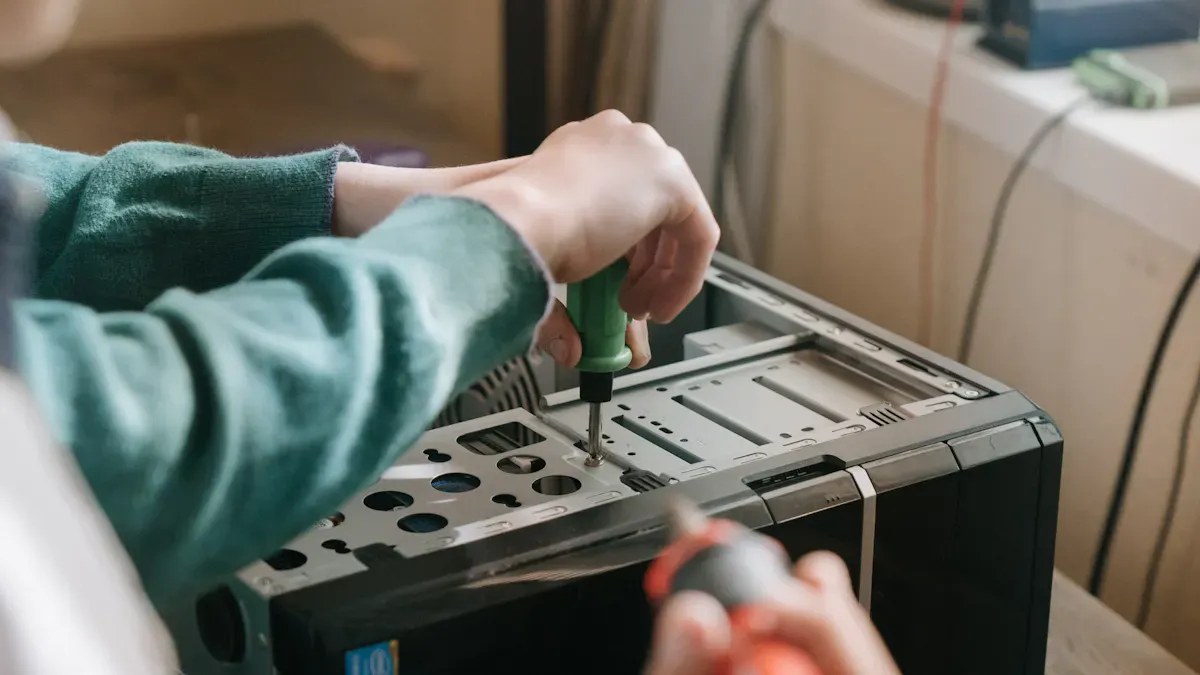
Skills Needed
You might think building or customizing your own speakers sounds easy. In reality, you need a few important skills to get good results. You should know how to plan your project and understand basic speaker design. You also need to measure and cut materials with care. Dust control and safety matter, too. You will use clamps and glue, so you must learn how to handle them well. Mistakes will happen, but you can treat them as learning moments.
If you want to build your skills, start with these steps:
-
Read step-by-step guides before you begin.
-
Practice measuring and cutting on scrap wood.
-
Wear safety glasses and a dust mask.
-
Try different glue techniques on small pieces.
-
Stay patient and work slowly.
Tip: Every project teaches you something new. Don’t rush—enjoy the process!
Common DIY Mistakes
Many people run into trouble with DIY speaker projects. Some of the most common mistakes include using the wrong tools or skipping steps. You might forget to brace the speaker box, which can make the sound weak. Sometimes, you pick materials that are too thin, and your speaker rattles. Other times, you make the box too big or too small, which changes the sound.
Here are a few challenges you might face:
-
Building a speaker can get complex and require special tools.
-
You may need to choose between a small size and better performance.
-
Thicker materials and extra bracing can make your speaker bigger than you planned.
If you know about these problems, you can plan ahead and avoid them.
Custom Modification Services
You might want to customize your speakers but feel unsure about doing it yourself. That’s okay! Many companies offer custom modification services. These experts can help you upgrade your speakers, add new features, or fix mistakes. You can ask them to change the look, improve the sound, or even build a speaker from scratch. If you want a unique sound but don’t have the time or tools, a pro can help you get there.
Note: Whether you do it yourself or get help, customizing your speakers can be fun and rewarding. You get to enjoy music your way!
You can solve most speaker customization problems with a few easy steps. Try the tips and fixes from this guide. You will hear better sound and enjoy your music or movies more.
Remember: Small changes make a big difference. Start today and enjoy the sound you deserve!
FAQ
How do I know if my speakers are wired correctly?
You can check the color codes on the wires. Use a polarity app or a 9-volt battery test. If your music sounds weak or strange, swap the wires and listen again.
What should I do if my speakers sound muffled?
Try moving your speakers away from walls. Clean the speaker grills. Check your cables for damage. You can also adjust your equalizer settings for clearer sound.
Can I mix different brands of speakers in my setup?
You can mix brands, but you might notice uneven sound. For the best results, use the same brand and model for your front and center speakers. This gives you a balanced soundstage.
How often should I clean my speakers?
You should clean your speakers once a month. Use a soft, dry cloth. Avoid water or harsh cleaners. Regular cleaning keeps your sound clear and your equipment safe.
What tools do I need for DIY speaker customization?
Here’s a quick list:
-
Screwdriver
-
Soldering iron
-
Wire cutter
-
Measuring tape
-
Safety glasses
Tip: Start with basic tools. Upgrade as you gain experience!