
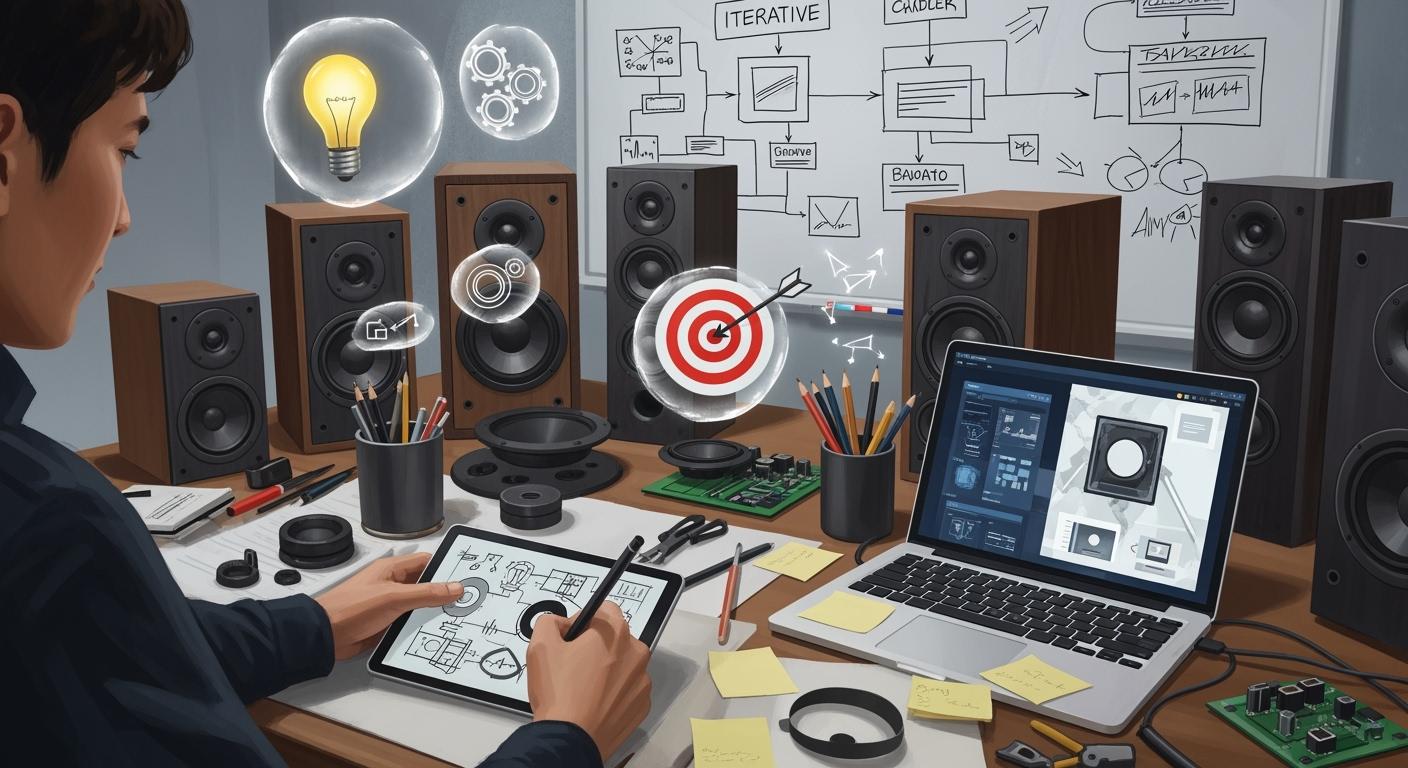
You help yourself succeed when you set clear goals first. Rapid prototyping lets you try ideas fast. This helps you find what works and what does not. The iterative process means you build, check, and improve. Your design gets better each time. Bring in users and stakeholders early to help you succeed:
Co-design matches what users want with product features.
This way can give better results than old top-down methods.
Getting users involved early makes sure their ideas help shape the product.
Key Takeaways
Make sure you have clear goals before you start prototyping. This will help guide your design and keep you focused on what is important.
Get users and stakeholders involved early in the design process. Their feedback helps shape your product and makes sure it meets real needs.
Try using low-fidelity prototypes like paper models to test ideas fast. This saves both time and money and lets you make quick changes.
Use an iterative testing approach. Getting regular feedback helps you improve your design and make your speaker better each time.
Use rapid prototyping tools like 3D printing. These tools make the design process faster and let you make quick changes based on what users say.
Setting Goals for Rapid Prototyping
Defining Objectives
You do better when you set clear goals before you start. Rapid prototyping for speakers means making working models to test how they perform. These models help you get feedback early and find ways to make things better. New tools like 3D printing and CNC routing let you build models fast. You can try different drivers and enclosures without waiting a long time.
Always make prototypes to learn something new. For example, you may want to find the best crossover settings for drivers on a certain baffle shape. This helps you know if you should change parts or keep your design. You do not have to fix every problem right away. Focus on learning things that help you decide what to do next.
Tip: Pick the right detail level for your model. Begin with simple drawings or basic models. Move to better, interactive models as your ideas improve.
Set clear goals to help guide your prototyping work.
Use tools like Figma, Adobe XD, or Sketch to work together.
Get users and stakeholders involved early for feedback.
Try acoustic simulation software to test ideas virtually.
Use Finite Element Analysis (FEA) and Boundary Element Method (BEM) for more details.
Add AI-driven predictive modeling to see how materials and shapes change performance.
Identifying User Needs
You must know what users want from your speaker design. Getting user needs early helps you make models that fit their wishes. You can use role-playing by asking someone new to act as a user. This gives honest feedback about how the prototype works. Blind role playing removes outside opinions, so you see if your script helps the user.
Scenario mapping lets you imagine how users use your device in real life. You can test your design with users who have special needs to make sure your speaker is easy to use. The Wizard of Oz method lets you pretend responses fast, so you can test ideas without building everything.
Evidence Description | Impact on Prototypes |
|---|---|
Participants gave ideas for profile pages, showing they care about the design. | This makes prototypes more personal and improves user experience. |
The design changed because of participant feedback, showing they took part. | Their involvement makes prototypes more useful and relevant. |
Students often acted as users, not innovators, showing they need help. | Knowing user limits helps make better prototypes for their needs. |
The sandbox website helped students share ideas, making design more collaborative. | Working together leads to more creative and useful prototypes. |
You make better speakers when you think like a prototyper. Rapid prototyping lets you try ideas, get feedback, and improve your design fast. Getting users involved early makes sure your models meet real needs and give a great experience.
Low-Fidelity Prototyping Methods
Paper and Cardboard Models
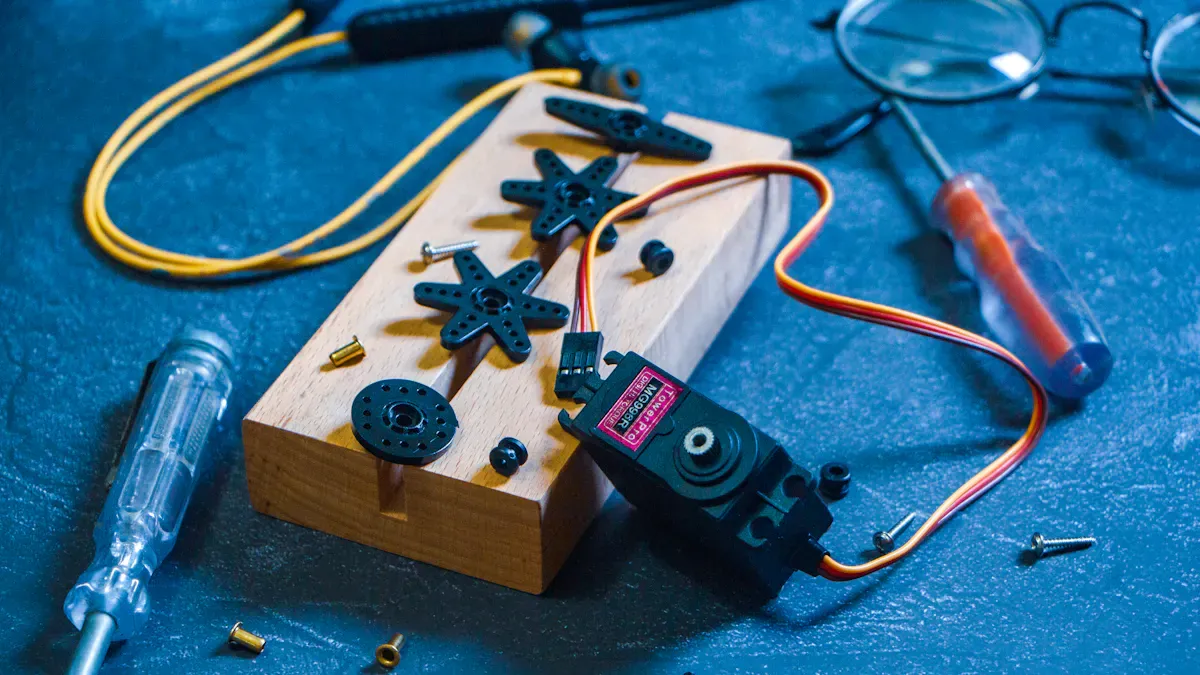
You can begin by using paper and cardboard for models. These materials are cheap and easy to find. You do not need special tools or skills. You can cut and fold cardboard to make shapes. Tape helps you put the pieces together. This way, you can test ideas fast and change them quickly.
Advantage | Description |
|---|---|
Low-Cost Experimentation | Cardboard lets you try many designs without spending much money. |
Fast Feedback Loops | You can build and change models fast, so your team gives feedback right away. |
Hands-On Collaboration | Working with cardboard helps your team work together and spot problems. |
Visual Validation | Real models show problems you might miss in drawings. |
Paper models help you check your ideas early. You can try new things and see what works best. Everyone can help, which makes the team creative. Cardboard and paper are easy to change, so you can fix mistakes fast. This saves time and money. You can find problems before you buy expensive parts.
Low-fidelity paper prototyping is important in design. It lets you test ideas fast and find problems early.
Digital Wireframes and Storyboards
You can use computer tools to make digital wireframes and storyboards. These tools help you see your speaker design on a screen. Wireframes show how things are placed and how you move through them. You can try different layouts and see what works. You can plan how buttons and screens connect. This helps you get feedback and make your ideas better.
Storyboards show how people use your speaker in real life. You can see what happens in different places.
They help you picture how users will use the speaker. This makes it easier to understand their needs.
Storyboarding keeps your design focused on the user and their world.
Digital wireframes and storyboards help designers and others work together. They show how users move through your design. You can spot problems early and avoid big changes later. Sketches and user journeys show your ideas clearly. These tools help you share your plans and talk about them.
Low-fidelity prototypes like paper models and wireframes help you test ideas early. You can check if your speaker works well for users. Early tests help you find problems and see what users need. Fixing issues early costs less than fixing them later.
Iterative Testing and Feedback

User and Stakeholder Reviews
You make your speaker prototypes better when you ask users and stakeholders to help review them. Getting people involved early stops confusion and keeps everyone working toward the same goals. Rapid prototyping lets you show your ideas and get honest reactions. This helps you see what works and what needs fixing.
Here are some best ways to involve users and stakeholders:
Bring stakeholders in early. Start with them from the beginning. This keeps your plan clear and avoids surprises later.
Test with real users. Ask your audience to try your prototype. Watch how they use it and listen to what they say.
Change your design based on feedback. Use an agile method. Make updates after each review and keep improving your speaker.
Keep things simple. Do not make your prototypes too complex. Focus on one or two features at a time so you can get feedback fast.
Rapid prototyping helps you get feedback every time you test. You learn what users like and what confuses them. This makes your product better each time you change it. You also build trust with stakeholders because they see their ideas in your design.
Note: Getting users and stakeholders involved early helps you make a speaker that fits real needs. Their advice guides your choices and saves time later.
Refining Based on Input
After you get feedback, you need to improve your prototype. This is when you turn ideas and suggestions into real changes. You use iterative testing to check your updates and see if they fix the problems you found before.
You can use different ways to refine your speaker prototypes:
Test your prototypes during the whole process. Do not wait until the end. Testing often helps you find problems early.
Set learning goals for each round of prototyping. Decide what you want to learn before you start. This keeps your work focused.
Pick the right prototyping method for your needs. Sometimes you need a quick sketch. Other times, you need a working model.
Use online testing platforms to get fast feedback from users. These tools save time and money.
Run pilot tests inside your team. Ask your team to try the prototype and share their thoughts.
Reach out to possible users through channels like Slack. Informal testing can show problems you might miss in formal reviews.
When you improve your prototype, you make small changes and test them right away. This cycle—build, review, refine—helps you make your speaker better step by step. You do not need to fix everything at once. Focus on the most important problems first.
Iterative testing gives you feedback all the time. You find and fix problems before they get big.
Each round of testing and improvement brings you closer to a speaker that users love.
You learn a lot by watching how people use your prototype. These lessons help you find better answers.
Tip: Keep your process fast. Make changes quickly and test them often. This helps you reach your goals sooner and with less risk.
You feel more confident in your design when you include users and stakeholders all through the process. Their feedback shapes your product and makes sure it fits their needs. Rapid prototyping and frequent testing help you make a high-quality speaker that stands out in the market.
Streamlining Design and Build
Modular Components
You can make prototypes faster by using modular components. Modular design splits your speaker into smaller parts. This helps you see and fix each part easily. You can switch out modules to try new ideas. Simple connections let you change one part without breaking the whole system. Each module hides its details, so you can update parts fast and save money.
Ready-made parts like amplifier boards and RCA inputs help you build your first prototype quickly.
You can add features with Bluetooth amplifier boards, battery packs, and LED drivers.
Trying different cone materials, like paper, polypropylene, or aluminum, lets you hear how each one changes the sound.
Foam or rubber surrounds change how strong and soft the speaker feels.
Magnet types, like neodymium or ferrite, affect power and how well the speaker works.
A scenario-based modularization framework helps you find which modules are the same and which are different in audio products. This way makes it easier to reuse and grow your designs. Modular design helps you make prototypes fast and keeps your ideas fresh. You can make the user experience better and keep improving your speaker.
Fast Physical Prototyping Tools
Rapid prototyping tools, like 3D printing, make designing faster. You can build real models in just a few hours. These tools let you make shapes that old methods cannot do. It is easy to change your prototype to fit special needs.
Advantage | Description |
|---|---|
Speed | You make models fast, so you can test more often. |
Design Freedom | You can try new shapes and make better prototypes. |
Customization | You can build models that fit your needs exactly. |
3D printing saves time and money. You do not need expensive tools, and you can change your design right away. Prototyping costs go down by more than half, and you can check your ideas fast. Old mold-making takes weeks, but rapid prototyping lets you test and fix designs in days. This helps you make your speaker sound better because you can test and change things based on real feedback.
Tip: Go fast, but do not forget quality. Start with clear goals. Use rapid prototyping tools and modular parts. Test and fix your design many times. Ask your team for help early so you do not make big mistakes.
You can make your speaker work better and easier to build by using rapid prototyping. You can change your design fast and test it for better results. This way helps you make great speakers that users will like.
You can achieve better speaker designs by following a few clear steps. Start with proof of concept prototyping to test your ideas. Build works-like and visual models to check both function and appearance. Use rapid prototyping to get feedback and make quick changes. This approach helps you find problems early and save time. Try these methods in your own projects. Begin your next speaker with a rapid mindset and see how fast you can improve.
Set a short deadline for your first prototype. You will learn more in one day than in a week of planning.
FAQ
What is rapid prototyping for speakers?
Rapid prototyping means you build simple models of your speaker quickly. You test ideas fast and learn what works. This helps you improve your design without spending much time or money.
Why should you use low-fidelity prototypes?
Low-fidelity prototypes save time and money. You can spot problems early. You get feedback before you build expensive parts. These models help you test ideas and make changes fast.
How do you get useful feedback from users?
Ask users to try your prototype. Watch how they use it. Listen to their comments. Use their ideas to make your speaker better. You can also use surveys or short interviews for more feedback.
What tools help you build prototypes faster?
You can use 3D printers, laser cutters, and modular parts. Digital tools like Figma or Sketch help you plan your design. These tools let you test and change your ideas quickly.
How many times should you test your prototype?
Test your prototype as many times as needed. Each test helps you find and fix problems. You improve your speaker with every round of testing and feedback.