
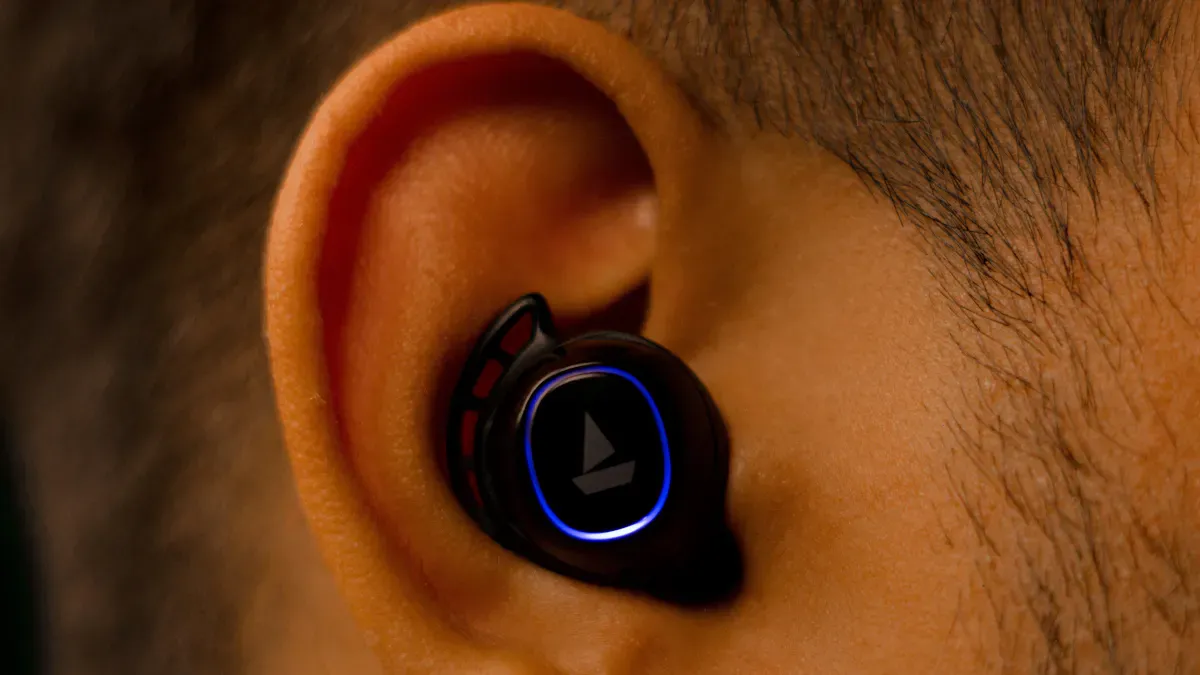
When designing audio systems for wearable devices, you encounter various design challenges. The compact size requires you to fit numerous components into a limited space. You must consider how to extend battery life to prevent users from needing to charge it frequently. Additionally, waterproofing is essential to protect your device from sweat and rain. Balancing the inclusion of multiple features while keeping the device small presents its own set of design challenges. These issues not only affect the performance of your device but also influence user satisfaction.
Battery life does not last long.
Making things small can hurt sound quality.
Waterproofing makes things harder.
Key Takeaways
Wearable audio devices need to be small, but this can make sound and battery worse.
Picking good materials and using things like Micro-Electro-Mechanical Systems can make sound better in small devices.
It is important to save power and still have good sound; using low-energy parts helps the battery last longer without making sound bad.
The device should be comfortable and fit well; it should feel normal and not hurt even if you wear it for a long time.
Privacy and data safety matter; always look for strong security to keep your information safe.
Size & Space Design challenges
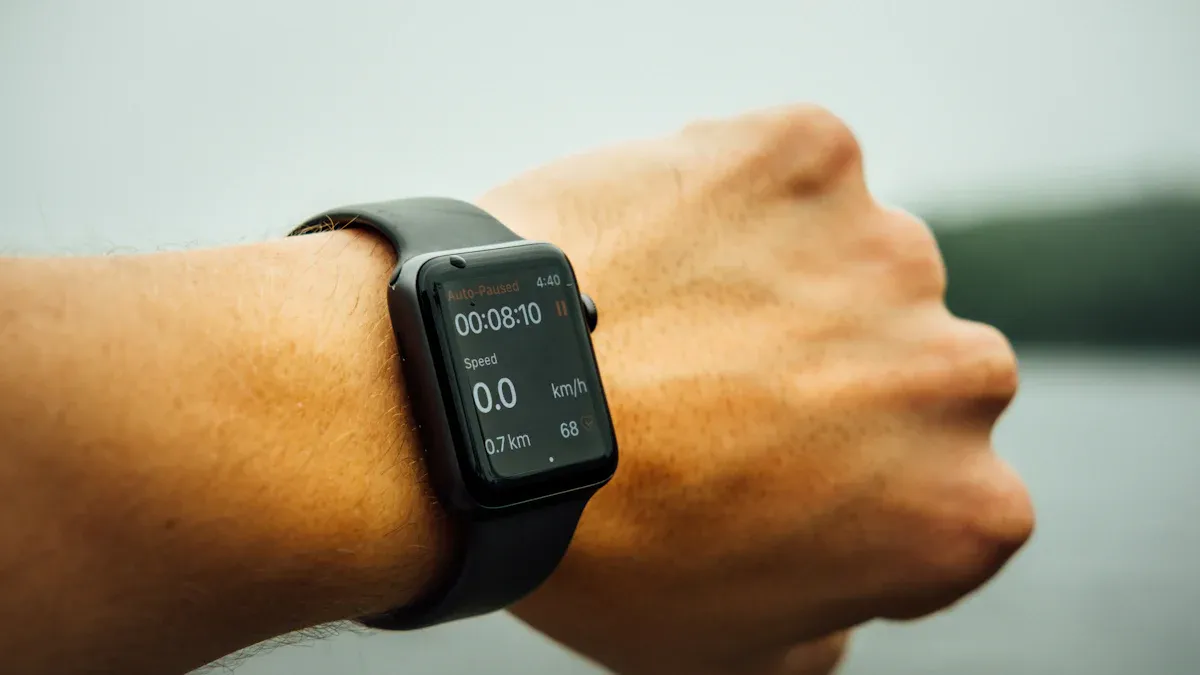
When you make audio systems for wearable devices, you have to deal with size and space problems. These problems touch every part of the device, like the battery and the user interface. You need to put all the important parts into a tiny space. Even a small change in size can affect battery life or sound quality.
Miniaturization Impact
Miniaturization means making each part as small as you can. This brings some tough problems:
There is not much room for loudspeakers. Small speakers cannot push much air, so the sound is weaker, especially for low sounds.
Tiny speakers get hot faster. The small space keeps heat from leaving, which can hurt the parts and make them break sooner.
You need special materials to help with heat and sound. Engineers often change the speaker box to let air move better and make the sound nicer.
The size and shape of the box are very important. A small box stops air from moving well, so you get less bass and weaker sound.
You have to balance size, power, and sound. If you make one thing smaller, something else might not work as well.
Tip: When you pick a wearable device, see if it uses new things like Micro-Electro-Mechanical Systems or piezoelectric materials. These can help sound better in small spaces.
Here are some new things in small audio parts:
Technology Type | Description |
|---|---|
Micro-Electro-Mechanical Systems | Gives you tiny speakers with good sound in a small device. |
Piezoelectric Materials | Makes sound in small devices and keeps it clear and strong. |
Bone Conduction Technology | Sends sound through your bones, so you do not need regular headphones. |
Some eyeglass headphones now put sound parts in the arms of the glasses. This way, you can see well and hear well without extra stuff.
Component Selection
You have to pick parts very carefully. The size of the device decides how big the battery can be. If you want the battery to last longer, you need a bigger one, but that can make the device too big to wear. The space also decides how big the user interface can be. There may not be room for big buttons or screens.
The size of the device sets the biggest size for all the parts.
If you go over the size, it may not work as a wearable.
Sometimes, you cannot use bigger, ready-made parts because they do not fit.
You have to make choices. For example, you might use a smaller battery to keep the device light, but then it will not last as long before you need to charge it. These problems make you think about what is most important for your users.
Power & Battery
Performance vs. Efficiency
It is hard to balance performance and efficiency in wearable audio devices. Battery life is very important. If your device loses power fast, you must charge it a lot. This can be annoying for users. Many people want longer battery life. This makes the device easier to use. Sometimes, you may accept shorter battery life. This happens if the device has good features and feedback. The main job of the device decides how much battery life matters.
Note: How you use your wearable device changes battery life needs. If you use it for fitness tracking, you want it to last all day. If you use it for music, you may care more about sound quality.
Manufacturers try to make devices use less energy but still sound good. They use low-energy parts, smart software, and clever data processing. These choices help keep battery life strong. They do not hurt audio performance. You see new things like low-energy Bluetooth, edge computing, and adaptive sensing. These let you enjoy more features with less power. Designers use ultra-low-power microcontrollers and sensors. These work well even when always on. Power management tricks like duty cycling and context-aware sensing help balance performance and efficiency.
Here are some things that affect this balance:
Low-energy parts help battery life last longer.
Efficient software uses less power.
Smart data processing keeps audio quality high.
Charging less often makes users happier.
Power management stops users from getting upset.
Low-Power Audio Processing
You need smart ways to process audio without using too much battery. Manufacturers use AI and ultra-low-power microcontrollers to make audio processing better. Advanced SoCs mix computing and DSP skills. This lowers material costs and makes audio quality better. AI-driven noise cancellation changes to your environment. It uses less power than old methods. Special CPU cores, like Cortex-M55, give you better performance. They keep power use low.
Tip: Pick wearables with AI-powered features. These often use less battery and give you clearer sound.
These design challenges make companies find new ways to save power. When you choose a wearable device, check how it handles audio processing and battery life. Devices with smart technology can give you a better experience. They last longer between charges.
Acoustic Challenges
Sound Quality & Clarity
It is hard to get clear and strong sound in wearable audio devices. The small size means there is not much room for speakers and microphones. This can make the sound weak or not clear. Sometimes, sound can leak out and bother people near you. If the device moves, it can change how well you hear music or calls.
Many new wearables use smart technology to help sound. They learn what you like and change to fit your surroundings. For example, your device can make voices louder on a busy street. It can also lower the volume in a quiet room. This helps you hear important things and enjoy music at the same time.
Here are some main parts inside your wearable audio device:
Component | Function |
|---|---|
Picks up sounds and turns them into signals. | |
Sound Processor | Changes the signal, makes it better, and sends it to the speaker. |
Speaker | Makes sound waves that you can hear. |
Battery | Gives power to the microphone, processor, and speaker. |
You also get things like Bluetooth, tap-touch controls, and noise cancellation. These features make listening easier and more fun.
Note: Over 87% of users feel good and relaxed when using well-designed wearables. Many people say these devices help them fall asleep faster and stay comfy while using them.
Environmental Noise
Noise around you can make it hard to hear your audio. You might walk on a busy street or sit in a loud café. Wearable devices use special features to help you hear better in these places. Active noise cancellation makes a quiet space for you. Transparency modes let you hear both your music and important sounds nearby. Spatial audio makes it feel like sound comes from different places, so it is more fun to listen.
Some devices use smart systems that listen to your surroundings. They can tell if you are in a loud or quiet place and change the sound for you. This helps you hear things like alarms or someone calling your name while you enjoy your music.
Sound can leak out and be annoying
Noise control features use a lot of power
Sound may not be as good when you move a lot
These are common problems for wearable audio systems. You need to balance good sound, comfort, and battery life. When you pick a device, look for one that handles noise well and keeps sound clear anywhere.
User Experience & Comfort
Fit & Wearability
You want your wearable audio device to be comfy all day. The shape and size must work well and feel good. If the device is big or heavy, you might not want to wear it. If it is too tiny, it can be hard to use. If it does not fit right, your ear canal can hurt or feel sore. Sometimes, sweat or water can build up and cause ear infections. Listening for a long time can also make your ears tired.
A good device should move with you. It should not bother you or get in your way. Designers make shapes that fit your body so you forget you are wearing it. Devices with sharp or rough parts can make your skin hurt. Soft materials and round edges help stop this problem.
Here is a table that shows what designers think about for comfort:
Key Aspect | Explanation |
|---|---|
Anatomical Fit | Designers use 3D scans to match your ear or head shape. |
User Lifestyle | Devices must work with your daily moves and activities. |
Seamless Interaction | You should find it easy and natural to use the device. |
Size and Shape | Designers think about different body sizes and shapes for better comfort. |
Skin Contact Surfaces | Round edges help stop skin from hurting during long use. |
Tip: Try different styles and sizes to see what fits your ears or head best. Being comfy can make you like your device more.
Health & Inclusivity
You need a device that keeps you safe and healthy. Designers make sure devices are easy to clean and light to wear. Loud sounds or heavy weight can bother you. If you cannot clean your device, your skin can get sore. Good design lets you use your device for a long time without pain.
New wearable audio devices work for many people. They change sound for your hearing needs and the noise around you. Some use microphones and apps to make voices easier to hear in groups. There are hearing aids, smart earbuds, and bone conduction devices. These help people with different hearing needs. Many devices now connect to phones and track health, like your heart rate or steps. This makes them helpful for more people.
Designers want every user to feel included and comfy. Devices must keep your data safe and protect your privacy. When you pick a wearable, look for features that fit your life and health needs.
Data Security & Integration
Privacy Concerns
Your wearable device knows your voice and habits. It might even know your health data. Keeping this information safe is very important. Many people worry about privacy when using audio features. If you think your privacy is not safe, you may stop using the device. You might also lose trust in it. Designers try hard to make sure your privacy matches what you expect.
Privacy worries change how companies make audio features. They use special ways to keep your data safe. For example, they may limit how far the microphone hears. They may use secure ways to handle your voice. Sometimes, they change your data to hide who you are. These steps help protect you. But they can also make the device slower or less accurate.
You should know about the main security risks in wearable audio systems:
Weak wireless connections can let hackers steal your audio data.
Data in the cloud can face attacks like DDoS or SQL injection.
Many devices do not have strong user authentication.
Some third-party apps do not use good encryption, so your audio data is not safe.
Tip: Always check if your device uses strong security features like encryption and user authentication. This helps keep your information private.
Wireless Connectivity
Wearable audio devices need strong wireless connections to work well. You want your music, calls, and notifications to reach you fast. But some things can make wireless connections weak or not work right.
Your body can block or change wireless signals. This makes it hard for the device to connect.
Many devices use the 2.4 GHz band. This band gets crowded and slows down your connection.
Battery size limits how much power the device can use for signals. This can make the range and reliability worse.
These problems can cause dropped calls, bad sound, or slow updates. Designers try to fix these issues with better antennas, smart software, and energy-saving tricks. When you pick a wearable, look for one that promises stable connections and good security. This helps you enjoy your device without worry.
You have to solve many problems when you pick or make wearable audio devices. These problems help people invent new things. Now, noise cancellation works better. Health tracking is smarter. Sound feels more real. Devices are made for people, so they are easier for everyone to use. Many people want ear-worn wearables. New things like spatial audio and machine learning make your experience better. People from different jobs work together to fix hard problems and share new ideas.
Technology | Benefit |
|---|---|
Spatial Audio | Immersive listening |
MEMS Speakers | Compact, clear sound |
AI Algorithms | Adaptive features |
Remember: When you check out wearable devices, look for comfort, safety, and smart features.
FAQ
How can you make your wearable audio device last longer on a single charge?
You can lower the volume. Use power-saving modes. Turn off features you do not need. Charge your device all the way before you use it. Some devices let you update software to help battery life.
Why does sound sometimes seem weak in small wearable devices?
Small speakers cannot push much air. This makes bass and volume lower. You might hear weaker sound, especially with music. Some devices use special materials or software to make sound better.
What should you do if your wearable feels uncomfortable?
Try different ear tips or bands. Clean your device often. Make sure you wear it the right way. If it still hurts, you may need a different size or style.
Are wearable audio devices safe for your privacy?
Most devices use encryption and secure connections. You should check privacy settings. Only use trusted apps. Always update your device to get the newest security features.